DVS Support
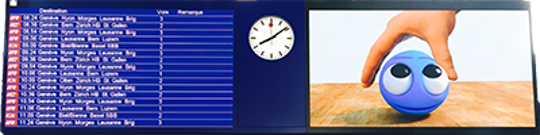
DVS (Data Vision Software) provides multi-display control, primarily for real-time mass transit applications. DVS can be independently used or set up on a server. From message scheduling to the full media library, multi-language display to the web-based graphical user interface, DVS simplifies and reduces operator interaction.
Operation
Operation Resources
Installation Guides
Operation Guides
KB Articles
Troubleshooting
Troubleshooting Resources
KB Articles
Maintenance
Maintenance Resources
Large Video Display Checklist
Ensure that your displays are in good health. Follow our recommended step-by-step large video display checklist.
KB Articles
All Product Manuals and Drawings
Request Service
Service Requests
Use the Daktronics MySupport Portal to:
- Create a new service case
- View open service cases
- Check order and shipping status
- Verify account information
- Select email/text settings to receive case notifications
Our standard response time is less than 4 hours.
 Access MySupport
Urgent Assistance
To help expedite your call:
-
Have your case number available if one has been assigned to you.
- If you require technical assistance to trouble-shoot your system, please call from where the equipment is located and have everything connected and powered up.